
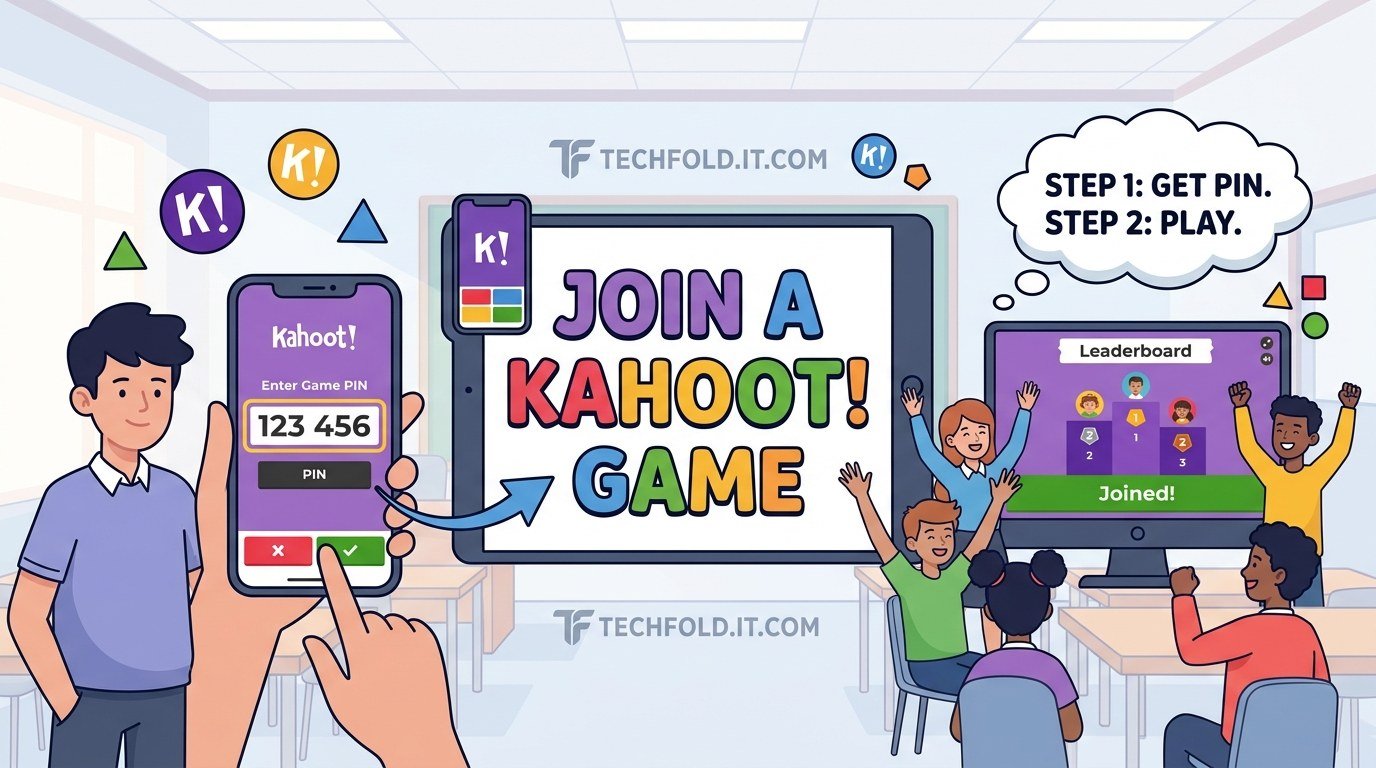
Joining a Kahoot takes less than a minute, and the only thing you genuinely need is the game PIN the host is displaying. No account, no app install, no setup.
This guide covers the join steps, the two things that reliably go wrong, and what to do if you get knocked out mid game.
How to join a Kahoot game in four steps
- Go to kahoot.it in any browser, on a phone, tablet, laptop or Chromebook. You can also open the Kahoot app if you already have it.
- Enter the game PIN. The join page has a single field labelled Enter Game PIN, and the host is showing that number on the shared screen.
- Enter a nickname. This appears on the leaderboard everyone can see, so pick something you are happy for the room to read.
- Wait for the host to start, then answer each question by tapping the coloured shape that matches the option you want.
That final point catches people out the first time. In the classic game mode the question and the answer text appear on the shared screen, not on yours. Your device shows only four coloured shapes. You are matching a shape, not reading an answer, so look up.
What is a Kahoot game PIN?
The game PIN is the number that connects you to one specific live session. The host sees it when they launch the kahoot, and everyone joining types the same one.
Two things about it matter in practice:
- It is generated fresh every time. Hosting the same quiz twice produces two different PINs, so a code from last lesson will never work today.
- It only lives as long as the session. When the host ends the game, the PIN stops working immediately. This is the single most common reason a PIN is rejected.
Do you need an account to play?
No. You can join any hosted game with just the PIN and a nickname.
An account is only useful if you want to host your own quizzes, save kahoots you have made, or keep a record of how you did across sessions. For a student joining a game a teacher is running, it adds nothing to the round itself.
| Playing as a guest | Signed in | |
|---|---|---|
| Can you join a live game | Yes | Yes |
| Do you need the game PIN | Yes | Yes |
| Can you host your own quiz | No | Yes |
| Is your result saved to a profile | No | Yes |
| Setup time | None | A few seconds |
Joining on a phone or a laptop
The process is the same on both, and Kahoot runs in the browser, so there is nothing you have to install.
Phones are the most common choice because everyone already has one in their pocket and the answer buttons are large. Laptops and Chromebooks are more comfortable in modes with a lot of reading. If your class is on school devices and the page will not load at all, that is usually a network filter rather than anything you have done, and the teacher will need to ask IT to allow the domain.
Why will my Kahoot game PIN not work?
Nearly always one of these, in the order they actually happen.
| What you see | Most likely cause | Fix |
|---|---|---|
| PIN rejected | The host already ended the game | Ask them to relaunch it |
| PIN rejected | A digit typed wrong | Recheck it against the screen |
| PIN rejected | Reading a zero as the letter O | The PIN is numbers only |
| Page will not load | School or office network filter | Ask IT to allow kahoot.it |
| Stuck on the waiting screen | Host has not started yet | Normal, just wait |
| Nickname refused | Already taken, or filtered | Try a different one |
| Dropped mid game | Connection lost | Rejoin with the same PIN and nickname |
If the PIN worked for other people and not for you, it is almost certainly a typo or a filter. If it stopped working for everyone at once, the host ended the session.
What if you get disconnected during a game?
Go back to kahoot.it and enter the same PIN with the same nickname. In most modes you rejoin where you left off rather than starting over. Do it quickly though, because if the host finishes the kahoot while you are out there is nothing left to rejoin.
Using a different nickname creates a second player rather than restoring you, so match the original spelling exactly.
A few things that make playing less annoying
- Type the PIN, do not paste it. Copying from a chat message often brings a trailing space that the field rejects without telling you why.
- Keep the tab in the foreground. Switching apps mid question can cost you the answer window, and points depend on speed.
- Do not refresh unless you have actually lost connection. Refreshing can drop you out of the round.
- Use your real name if the teacher asked for it. Hosts can kick players, and unidentifiable nicknames are the usual reason.
Where to go next
If you want to understand the quiz format itself, how scoring works and what the paid tiers add, see our guide to Kahoot quiz games.
Joining a Blooket game works almost identically, with a code instead of a PIN, so learning one makes the other obvious. More platform guides are in our Online Games section.
How do I join a Kahoot game?
Go to kahoot.it, enter the game PIN the host is displaying, type a nickname, then answer each question by tapping the coloured shape that matches your choice. No account is needed.
What is a Kahoot game PIN?
It is the number that connects you to one specific live session. The host sees it when they launch the quiz. A new one is generated every time, and it stops working the moment the host ends the game.
Do I need an account to join a Kahoot?
No. Playing needs only the PIN and a nickname. An account is for hosting your own quizzes, saving kahoots and keeping a record of your results.
Why is my Kahoot PIN not working?
Usually the game has already ended, since a PIN only works while that session is live. Otherwise check for a mistyped digit, or a zero read as the letter O, because PINs contain numbers only.
Can I join a Kahoot on my phone?
Yes. It runs in your phone browser at kahoot.it, and there is also an app. Nothing needs to be installed to play.
Can I rejoin a Kahoot if I get disconnected?
Yes. Return to kahoot.it and enter the same PIN and the exact same nickname. A different nickname creates a new player instead of restoring you.
More in Online Games

Kahoot Quiz Games: How They Work, What They Cost, and How to Make One
What Kahoot quiz games are, how to play and create one, what is actually free, and how the separate Kahoot…
How to Join a Blooket Game: Step by Step for Students
How to join a Blooket game in under a minute using the 7 digit code, a QR scan, or a…