How to Join a Kahoot Game: Entering a Game PIN Step by Step
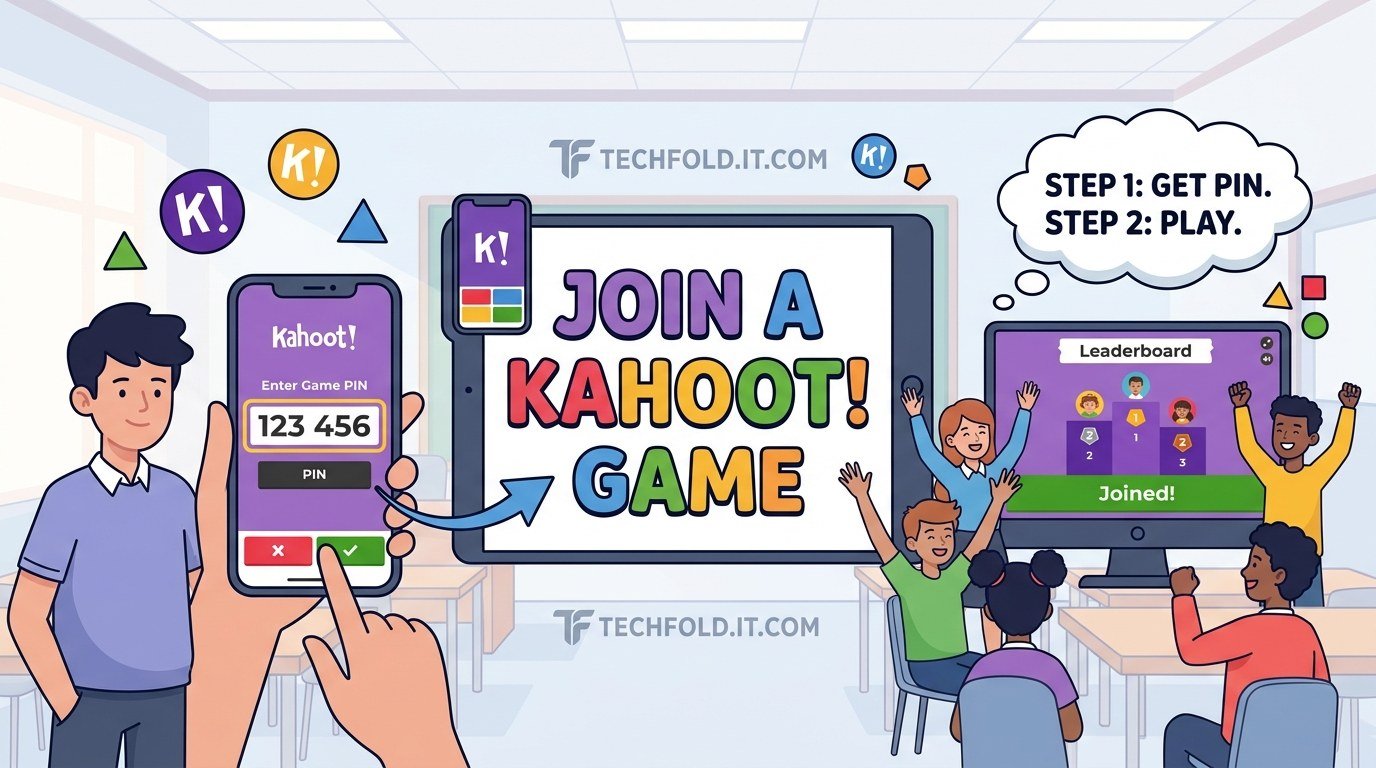
How to join a Kahoot game in under a minute using the game PIN, on a phone or a laptop, plus what to do when the PIN will not work.

Online games are where a lot of learning, socialising and downtime happens now, and most of the guidance about them is either written for children or written to sell something. Tech Fold covers the practical side for the adults in the room: parents working out whether a platform is safe, teachers setting something up before a lesson starts, and players who just want a clear answer without wading through a forum thread.
You will find step by step joining and setup guides for classroom platforms like Blooket, Kahoot and Gimkit, explanations of how account systems, codes and privacy settings actually work, troubleshooting for the moments when a game will not load or a code will not accept, and honest assessments of which platforms are worth the subscription.
Every guide states which version we tested and when, because these platforms change their interfaces often and a screenshot from two years ago is worse than useless. Where a feature is behind a paid plan, we say so rather than letting you discover it halfway through setup. Where a platform collects data about children, we point to the official privacy documentation rather than summarising it loosely.
Start with the guides below if you are setting something up for the first time.
How to join a Kahoot game in under a minute using the game PIN, on a phone or a laptop, plus what to do when the PIN will not work.

What Kahoot quiz games are, how to play and create one, what is actually free, and how the separate Kahoot Quiz games app for children differs from the classroom version.
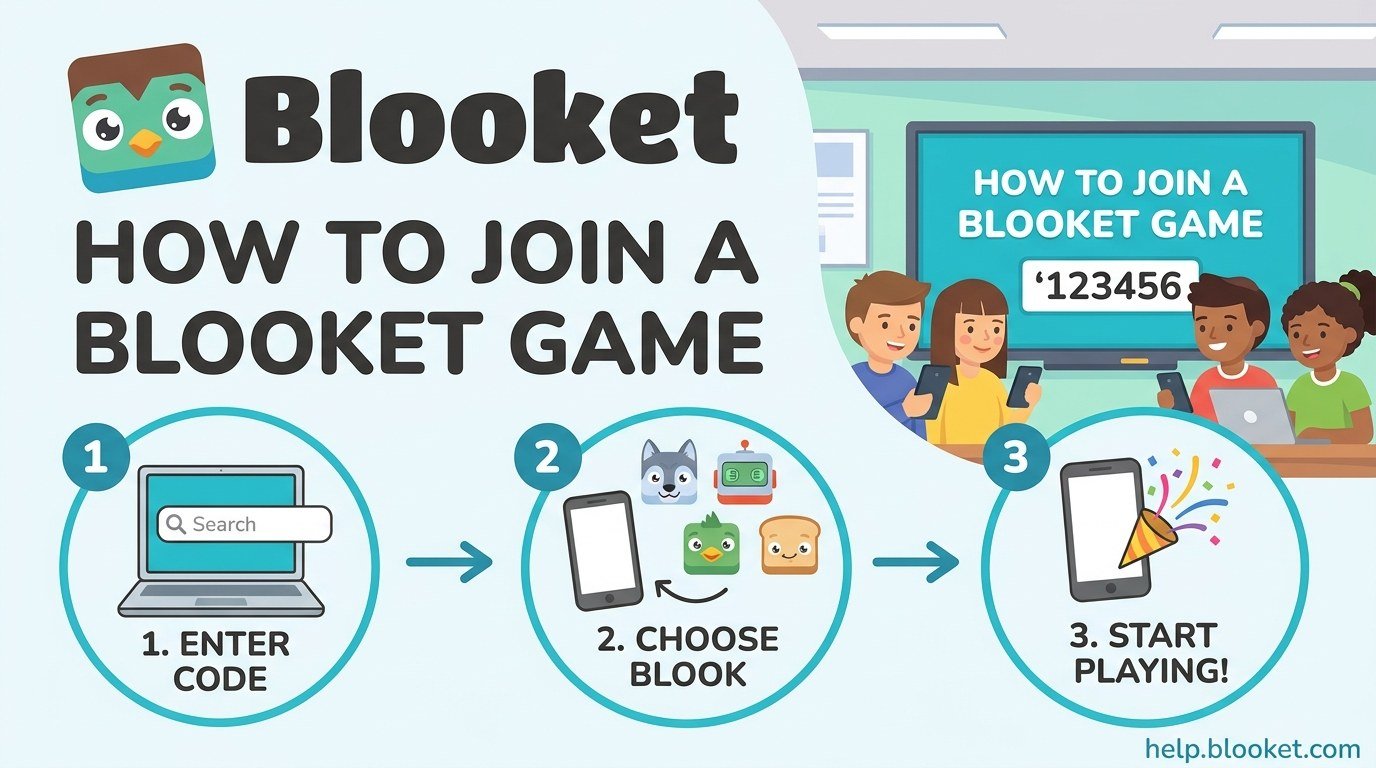
How to join a Blooket game in under a minute using the 7 digit code, a QR scan, or a join link, plus what to do when the code will not work.